Start Learning Visual Basic
Whether you are a complete beginner, a student, a hobbyist, or a developer maintaining older applications, VBTutor gives you multiple paths to learn Visual Basic clearly and practically.
VB.NET 2026 Tutorial
Learn modern Visual Basic with Visual Studio 2026 and .NET 10. Follow structured lessons, practical Windows Forms examples, and beginner-friendly projects.
Start VB.NET 2026VB Sample Projects
Strengthen your Visual Basic skills with working programs covering forms, controls, programming logic, calculations, and practical applications.
View VB ExamplesVB.NET Articles & Guides
Read practical guides on VB.NET, Windows development, databases, AI, and the transition from Visual Basic into other modern .NET technologies.
Explore VB ArticlesReady for Your Next Language?
Continue from Visual Basic into C#, Python, C++, web development, mobile apps, and the wider Visual Studio 2026 ecosystem.
Explore Visual Studio 2026Looking for VB2022, VB6, or earlier Visual Basic versions? Jump to the Legacy Visual Basic Tutorials in the footer.
Take Your Next Step with Visual Studio 2026
If Visual Basic gave you your programming foundation, continue with modern languages and application development at VisualStudioTutor.com. Choose a path below and keep learning with the same practical, step-by-step approach.
Visual Studio 2026
Learn the IDE, projects, debugging, Git, AI-assisted coding, .NET workflows, and deployment.
Open the 40-lesson course →C# Programming
Move naturally from VB.NET into C#, .NET, object-oriented programming, APIs, LINQ, and modern apps.
Start the C# tutorial →Python
Learn Python for scripting, automation, data work, AI experiments, and practical projects.
Start the Python tutorial →C++ Programming
Build strong foundations in modern C++, OOP, STL, algorithms, memory, and project development.
Start the C++ tutorial →ASP.NET Core & Blazor
Progress into modern web development with C#, APIs, Razor, interactive components, and .NET 10.
ASP.NET Core · BlazorRead Practical VB.NET and Visual Basic Guides
Explore feature articles on VB.NET, AI, Windows applications, databases, and practical programming advice for beginners, students, teachers, and developers.
Can VB.NET Be Used for AI?
Learn how VB.NET can work with ML.NET, AI APIs, and modern .NET tools to build practical intelligent applications.
Read ArticleVB.NET vs C#: Which Should Beginners Choose?
Compare VB.NET and C# in terms of readability, learning curve, beginner friendliness, and long-term direction.
Read ArticleBuilding Windows Applications with VB.NET
See why VB.NET remains a practical choice for desktop apps, education, and business software development.
Read ArticleWhy Learn VB.NET Today?
Discover why VB.NET still matters for students, teachers, self-learners, and real-world Windows application development.
Read Article🤖 Explore AI Tutorials and Practical AI Learning
Interested in AI beyond Visual Basic? Visit AppliedAITutor.com for beginner-friendly tutorials on AI fundamentals, machine learning, and generative AI applications.
Choose Your Visual Basic Path
Start with VB.NET 2026 to learn variables, controls, loops, procedures, and event-driven programming with today’s Visual Studio and .NET tools.
Go to VB.NET 2026 if you want to build modern Windows applications using Visual Studio and the latest .NET tools.
Continue from VB.NET into C#, Python, C++, ASP.NET Core, Blazor, and other modern development paths at VisualStudioTutor.com.
Use the sample projects section to study working programs and strengthen your coding confidence with hands-on examples.
Why Visual Basic Still Matters
Visual Basic syntax is close to plain English, making it one of the easiest programming languages for beginners to understand.
VB.NET remains practical for creating desktop applications with forms, controls, business tools, and database integration.
Visual Basic is widely used in education because it introduces programming concepts in a clear and structured way.
Its event-driven model and drag-and-drop form design help learners build useful applications quickly and confidently.
📰 New: VB.NET Articles and Practical Guides
Read feature articles on VB.NET, AI, Windows applications, databases, and beginner learning paths. This new article hub complements the tutorials with broader guides and practical advice.
Featured Visual Basic Books by Dr. Liew Voon Kiong
Continue learning with structured books that complement the tutorials and help you go deeper with guided lessons, projects, and practical code examples.

Visual Basic 2026 Made Easy
A beginner-friendly guide to modern Visual Basic with clear lessons, practical examples, and hands-on projects.
- Step-by-step explanations
- Modern VB.NET and .NET 10
- Project-based learning
- Excellent companion to the tutorial

Visual Basic 2026 Made Easy — Second Edition
Learn VB.NET with Visual Studio 2026 and .NET 10: Windows Forms, Databases, LINQ, Async Programming, Practical Projects, and GitHub Source Code.
- Build Windows Forms applications with Visual Studio 2026
- Use arrays, List(Of T), dictionaries, LINQ, and lambda expressions
- Create graphics, animations, timers, and collision-detection projects
- Connect to SQLite databases and perform SQL queries and CRUD operations
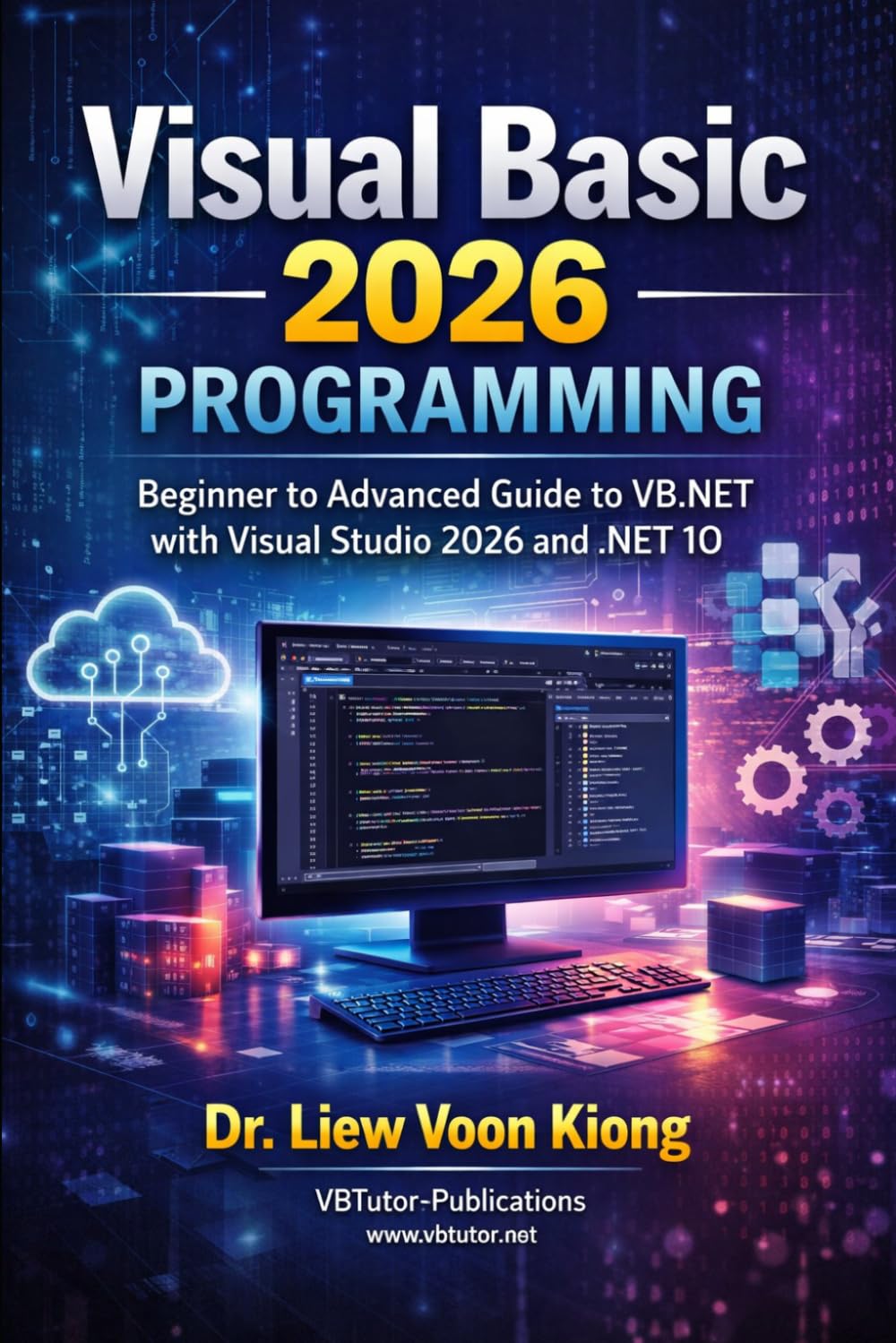
Visual Basic 2026 Programming
A more advanced Visual Basic book for readers ready to build larger and more professional applications.
- Advanced VB.NET concepts
- APIs, JSON, async programming
- Real-world application development
- Ideal next step after the basics

Advanced Visual Basic 2026 Programming, Volume 1
Professional VB.NET Engineering, Object Modelling, Generics, Events, Design Patterns, and LINQ
- organise a solution using Domain, Application, Infrastructure, Windows Forms, and Tests projects
- create entities, value objects, interfaces, and reusable application contracts
- work effectively with generics, collections, and repositories
- create reporting, filtering, CSV, JSON, and HTML export features

Advanced Visual Basic 2026 Programming, Volume 2
Professional VB.NET Development with Visual Studio 2026 and .NET 10: Async, EF Core, REST APIs & Security
- Async and Await with Task, cancellation, and progress reporting
- Concurrency and thread safety using Task.WhenAll, SemaphoreSlim, and concurrent collections
- SQL Server LocalDB and ADO.NET with parameterized queries and repositories
- REST API integration using HttpClient, JSON, GET, and POST

Advanced Visual Basic 2026 Programming, Volume 3
Enterprise VB.NET Engineering with Visual Studio 2026 and .NET 10: Architecture, Plugins, Security, Performance, and AI
- Advanced architecture and dependency boundaries
- Reflection, attributes, and runtime discover
- Serialization and configuration snapshots
- Cryptography and secure local storage

VB6 to Modern VB.NET Made Easy
A Practical Step-by-Step Guide to Migrating Legacy Visual Basic 6 Applications to VB.NET with Visual Studio 2026 and .NET 10.
- understand the core differences between VB6 and VB.NET
- write modern VB.NET code with stronger typing and better structure
- build Windows Forms applications in a familiar desktop environment
- refactor legacy code into cleaner, more maintainable VB.NET applications
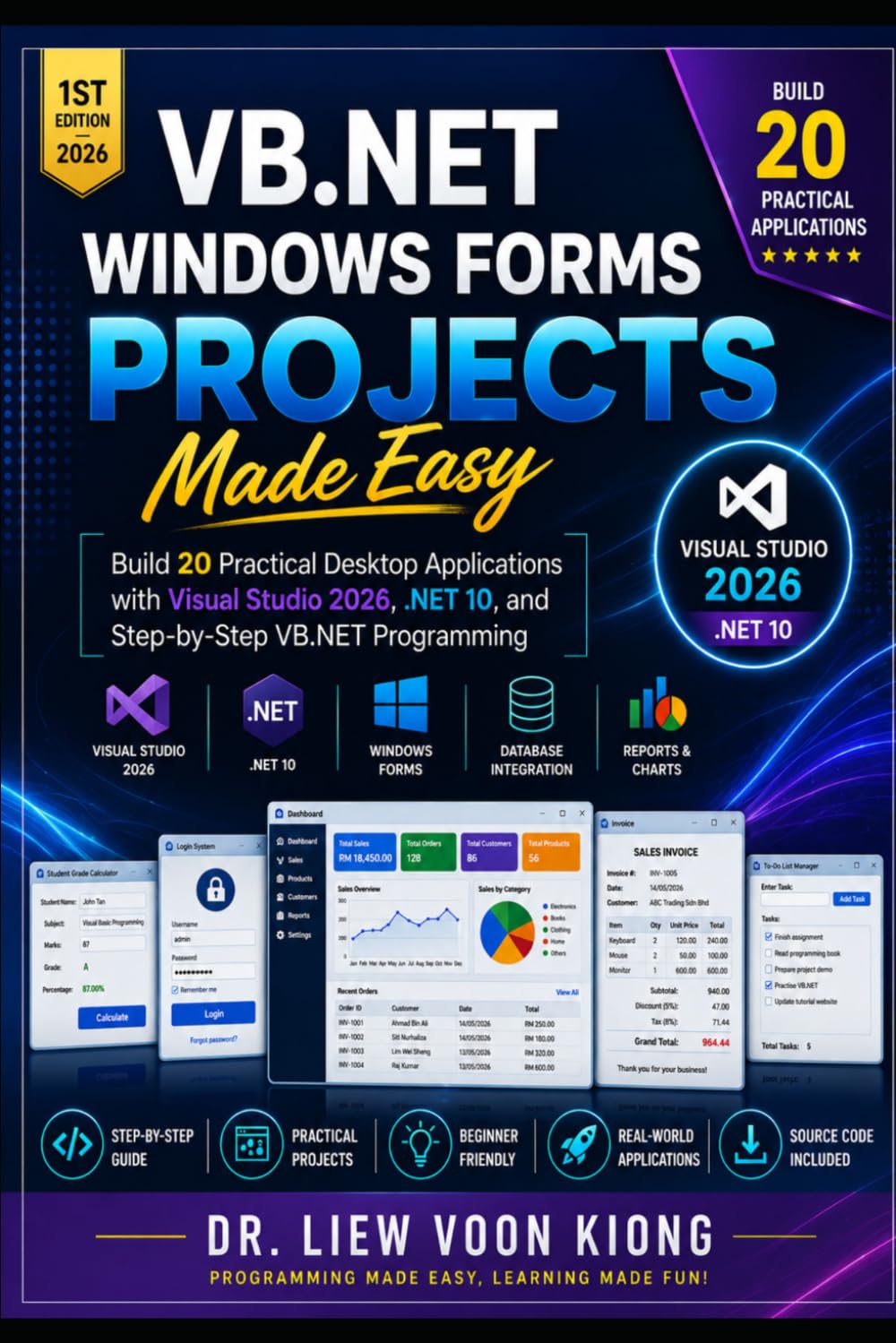
VB.NET Windows Forms Projects Made Easy
Build 20 Practical Desktop Applications with Visual Studio 2026, .NET 10, and Step-by-Step VB.NET Programming.
- Calculator App
- Personal Expense Tracker
- Inventory Tracker
- Employee Payroll Calculator

VB.NET Database Programming with Windows Forms and SQL Server
Build practical desktop business applications with VB.NET, Windows Forms, SQL Server, and ADO.NET using real workflows and database-driven projects.
- Practical Windows Forms database apps
- SQL Server and ADO.NET workflows
- CRUD, data binding, and business forms
- Excellent next step after VB fundamentals

Build Fun 2D Games with Visual Studio 2026 and Windows Forms
VB.NET Game Programming for Beginners is a practical, project-based guide for students, hobbyists, and aspiring developers who want to learn how to build fun 2D games with VB.NET, Visual Studio 2026, and Windows Forms.
- Set up Visual Studio 2026 for VB.NET game development
- Understand the fundamentals of game design and event-driven programming
- Use randomness, sound effects, menus, and game-over screens
- Build complete beginner-friendly games step by step

Visual Basic ® 6 Made Easy
Are you ready to dive into the world of programming and create powerful Windows-based applications? Visual Basic 6 Made Easy is your ultimate step-by-step guide tailored for absolute beginners.
- Trusted by educators and learners worldwide
- Used as a textbook at the University of Wesleyan
- Clear, easy-to-follow explanations with practical examples
- Build complete beginner-friendly apps step by step
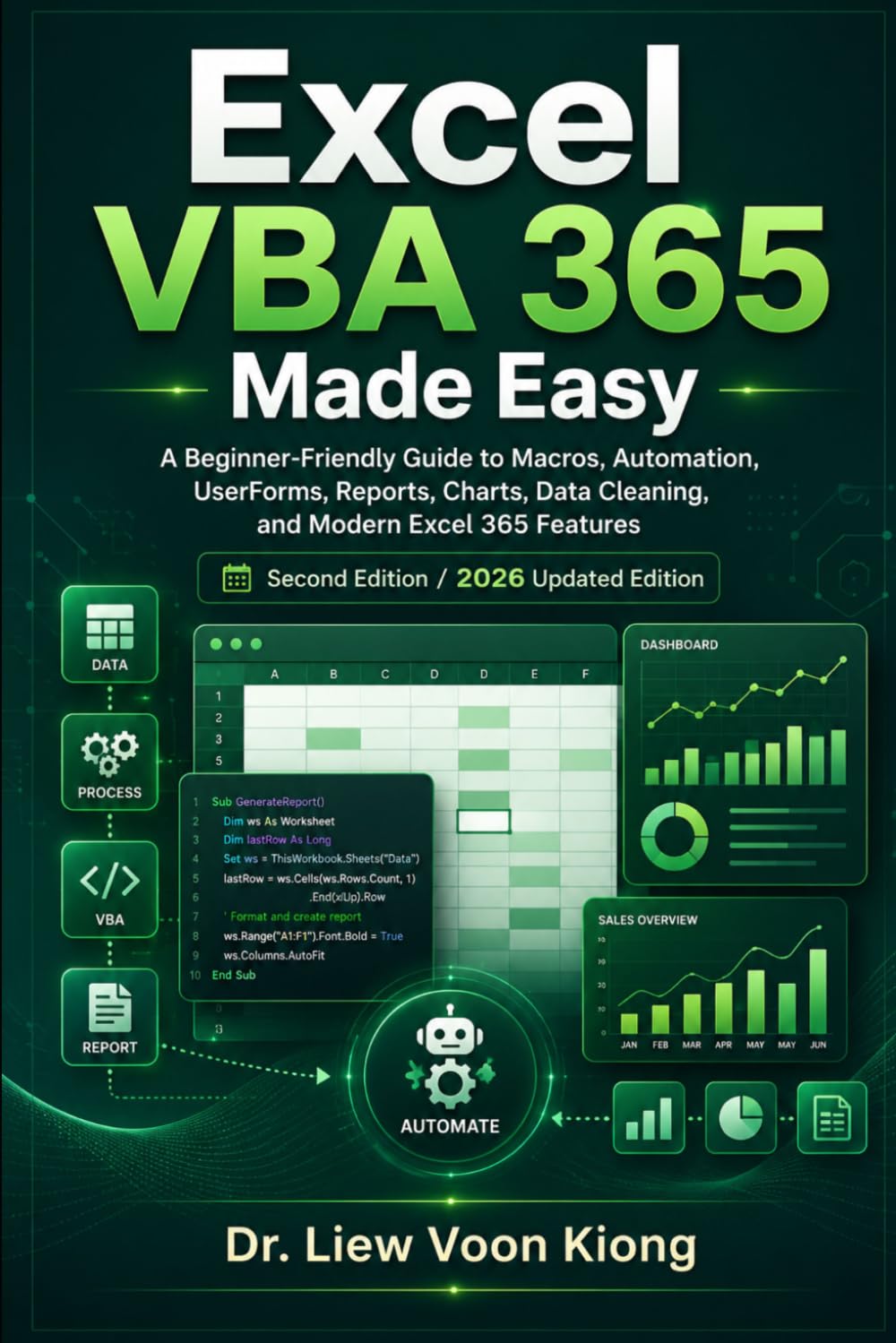
Excel VBA 365 Made Easy: Second Edition / 2026 Updated Edition
A Beginner-Friendly Guide to Macros, Automation, UserForms, Reports, Charts, Data Cleaning, and Modern Excel 365 Features
- Write and run Excel VBA macros
- Create reusable procedures and functions
- Build UserForms and worksheet controls
- Use modern Excel 365 formulas with VBA
📚 Explore More Visual Basic Books
Browse the complete collection of Visual Basic books by Dr. Liew Voon Kiong, from beginner-friendly guides to more advanced programming titles.
Visual Basic FAQ
Should I learn VB6 or VB.NET?
Choose VB.NET if you want to build modern Windows applications. Choose VB6 if you need legacy knowledge or want the gentlest possible introduction to Visual Basic programming.
Is Visual Basic still worth learning?
Yes. Visual Basic remains a great beginner language and still works well for Windows desktop development, education, and rapid application building.
Which Visual Studio version should I use?
For modern Visual Basic development, use the latest Visual Studio Community edition that supports VB.NET projects and Windows Forms development.
Where should a complete beginner start?
Start with the VB.NET 2026 tutorial and Visual Basic 2026 Made Easy. When you are ready to broaden your skills, continue with C#, Python, C++, ASP.NET Core, Blazor, or other modern paths at VisualStudioTutor.com. Older VB versions remain available in the legacy links below.
What should I learn after VB.NET?
C# is the closest next step within modern .NET development. Python is a strong choice for automation, data, and AI, while C++ is useful for systems and performance-oriented programming. For web development, continue with ASP.NET Core or Blazor.