01
Visual Studio foundations
Set up projects, understand the IDE, design forms, and organize solutions confidently.
Learn VB.NET through a practical, carefully sequenced tutorial covering Windows Forms, programming fundamentals, object-oriented programming, graphics, databases, LINQ, JSON, asynchronous programming, and web APIs.
Public Class WelcomeForm

    Private Sub btnStart_Click(
        sender As Object,
        e As EventArgs
    ) Handles btnStart.Click

        Dim learnerName As String =
            txtName.Text.Trim()

        lblMessage.Text =
            $"Welcome, {learnerName}!"

    End Sub

End ClassThis tutorial is designed for self-learners, students, lecturers, returning Visual Basic programmers, and anyone who wants a structured path into current Windows desktop development.
Set up projects, understand the IDE, design forms, and organize solutions confidently.
Work with variables, arrays, operators, conditions, loops, procedures, and functions.
Build interactive desktop interfaces with common controls, events, pictures, and menus.
Understand classes, objects, encapsulation, reusable code, and modern application structure.
Connect applications to databases, edit records, and work with LINQ, files, and JSON.
Explore asynchronous programming, HttpClient, web APIs, graphics, timers, and animation.
Use the lesson menu to jump directly to a topic, or follow the roadmap in order for the smoothest learning experience.
Create your first project, design the user interface, write event-driven code, and work with core controls.
Lessons 7–12Use PictureBox controls, understand data types, store values, perform calculations, and manipulate text.
Lessons 13–18Control program flow with conditions and loops, then organize logic using procedures and functions.
Lessons 19–24Apply mathematical and formatting functions, use selection controls, and handle runtime errors safely.
Lessons 25–30Move into object-oriented design, graphics programming, timers, animation, and database connectivity.
Lessons 31–36Edit records, use LINQ and collections, read and write JSON, call web APIs, and complete the learning path.

Professional VB.NET Engineering, Object Modelling, Generics, Events, Design Patterns, and LINQ
Continue beyond the fundamentals with a professional guide to engineering maintainable VB.NET applications. Volume 1 develops the concepts and techniques required for stronger object models, reusable generic components, event-driven systems, design patterns, and expressive LINQ-based data processing.
Start at the level that matches your experience, then progress from guided fundamentals to practical projects and professional engineering.
Follow the 36 lessons in order to learn Visual Studio, VB.NET syntax, Windows Forms, and application basics.
Made Easy seriesUse Visual Basic 2026 Made Easy for a complete beginner-friendly reference and a more guided reading experience.
Advanced Volume 1Move into object modelling, generics, events, design patterns, LINQ, and maintainable application architecture.
Choose a focused title for beginner learning, database development, game programming, or project-based Windows Forms practice.


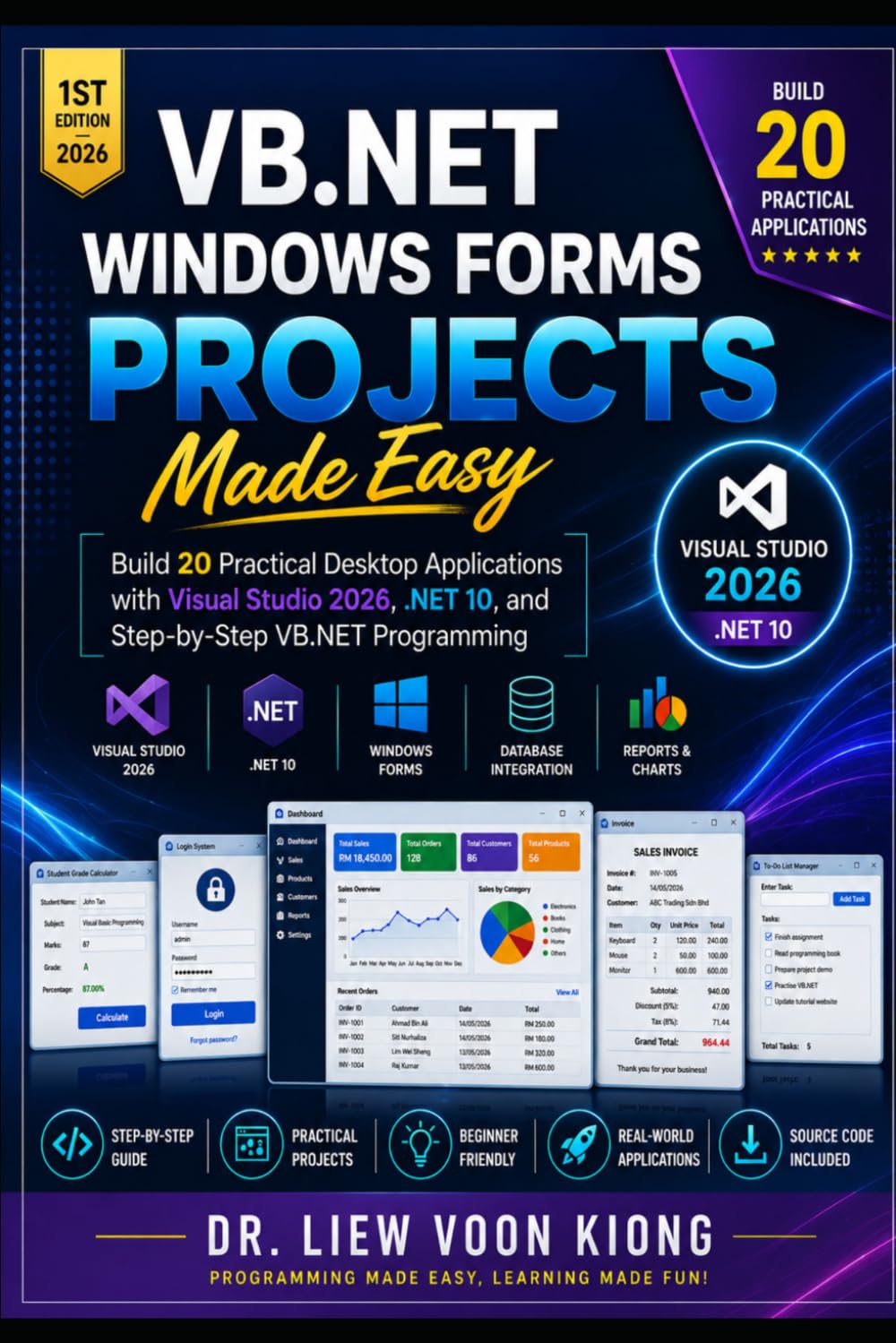
VB.NET is an excellent foundation. Add complementary languages and platforms when you are ready to build web, mobile, AI, and cross-domain applications.
Move into modern C# development for .NET, desktop, web, cloud, and enterprise applications.
PythonLearn Python for automation, data analysis, artificial intelligence, and machine learning.
Web developmentBuild modern web applications, REST APIs, backend services, and database-driven systems.
C++Study algorithms, systems concepts, performance-focused programming, and deeper software foundations.
JavaScriptCreate interactive websites and learn DOM programming, events, forms, and front-end development.
Artificial intelligenceExplore machine learning, generative AI, AI agents, and practical AI application development.
Clear explanations and practical examples have helped readers learn Visual Basic fundamentals and return to programming with confidence.
This book is an easy read and adequately explains the fundamentals of Visual Basic. If you're new to the language or coming back after a while, this is a great place to start.
Joe Waynick
I like this style of learning. He makes the rules understandable while also showing examples. Very glad I bought this book.
Amazon Customer
He takes you through the language and teaches you rather than just giving surface explanations.
Reader Review
Begin with Lesson 1 to explore the Visual Studio 2026 environment, create your first Windows Forms application, and start building practical VB.NET skills.